Create Filters with Advanced Criteria for Sending Conditional Emails
While setting up conditional emails with the Form Emails add-on, you create filters with complex criteria. Each condition in the conditional logic window can contain one or more criteria and you may use AND/OR operators to specify whether the criteria is optional or mandatory.
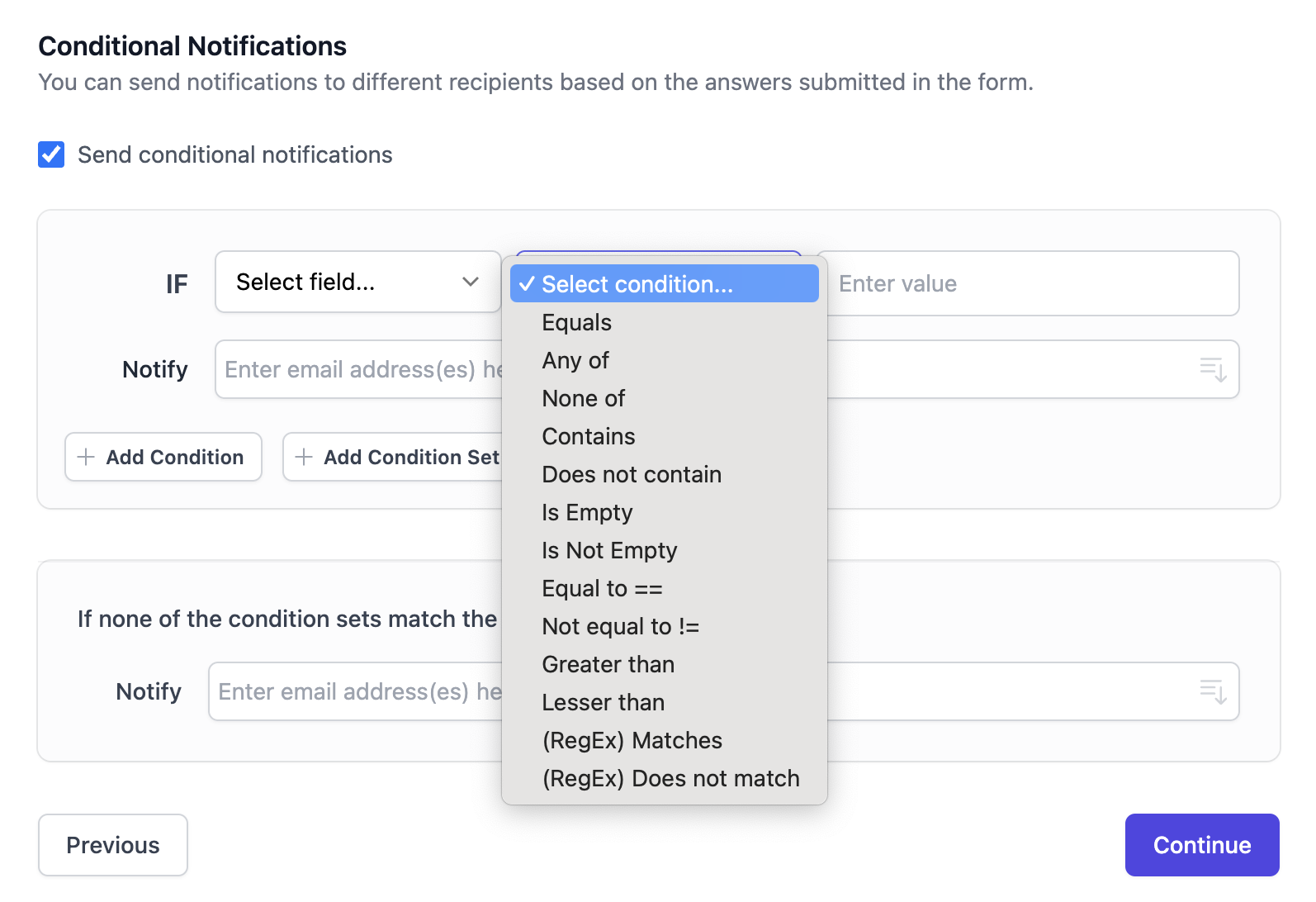
Filter by Advanced Criteria in Google Forms
The Google Forms add-on lets you easily create advanced filters with multiple criteria. Here are some examples.
Criteria for Comparing Text Fields
Equals- Answer exactly matches the specified textAny of- Specify a list of values (comma separated) and the answer should be one of these valuesNone of- Answer should not equal to any item in the list (comma separated)Contains- Text is anywhere inside the answer fieldDoes not contain- Answer does not contain the specified textIs Empty- The answer is blankIs Not Empty- The answer contains at least one character (not blank)
If you would like to check if an answer is among a list of possible values, use a single
Containscriterial instead of creating multiple criteria with theEqualsfilter.
Comparison operators for Numeric Fields
Equal to ==- Answer matches the specified numeric valueNot Equal to !=- Answer doesn't match the numberGreater than- Answer is greater or equal to numberLess than- Answer is less or equal to number
If you would like to check if an answer is between two numbers, create two conditions for the same field - greater than the lower limit and lower than the upper limit.